Support
Something not working, or an idea for the game? Email samuelbg04@gmail.com with your device model and what happened. I read every message.
Restore my purchases
On the title menu, choose MOON SHRINE, then RESTORE PURCHASES. Use the same Apple ID or Google account you bought with. Purchases also come back automatically when the game starts with a connection.
What does The Full Moon unlock?
Isles II to V (the Drowned Grottos, the Rootdeep, the Sunken Abbey and the Eclipse Citadel), their guardians and beasts, the ending, and online co-op. It is a one-time purchase. Isle I is always free.
Controls
- Touch: move with the left pad; the right-hand buttons are PUNCH, KICK, JUMP and the ★ SPECIAL (it glows when ready).
- Controller: any MFi, Xbox or PlayStation controller. X (□) punch, B (○) kick, A (✕) jump, Y (△) or RB special; START pauses.
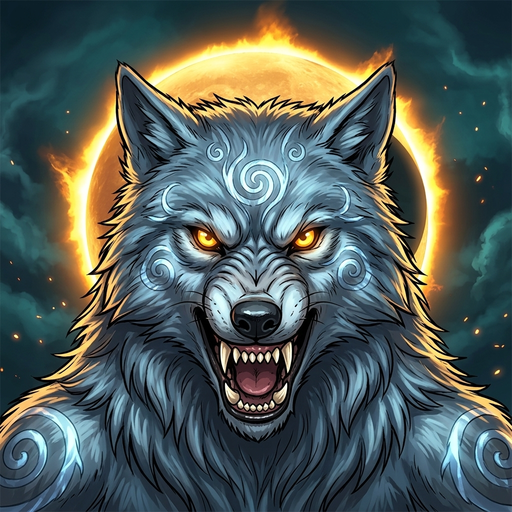
- Combos: chain three blows into a finisher. Fill the Moon Meter to bulk up, and at Full Moon you transform into the isle's beast.
Playing together
- On one screen: choose CO-OP on the title menu; each extra player joins with a controller.
- Online: choose ONLINE (part of The Full Moon). One player hosts and shares the address shown; the others type it in and join. Everyone needs The Full Moon. Hosts on the same Wi-Fi work best; across the internet the host may need to forward UDP port 24680.
Refunds
Purchases are processed by Apple or Google, who handle refunds: reportaproblem.apple.com for the App Store, or your Google Play order history for Android.